Resources · Free to use
A free appliance + fixture library for Mozaik.
Real products — Wolf, Sub-Zero, Kohler, Brizo, Samsung, and more — modeled to the manufacturers' spec sheets and ready to place. We built them for our own jobs. Download them, use them on client work, share them.
01 / THE LIBRARY
What you get.
Every product places as a 3D model in plans, elevations, and renders, with the manufacturer's dimensions locked so nothing stretches. The full product list with dimensions is in the manifest.
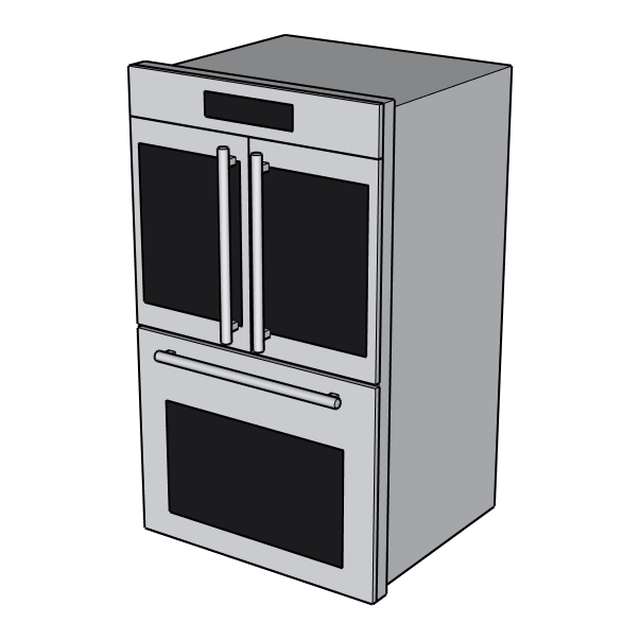
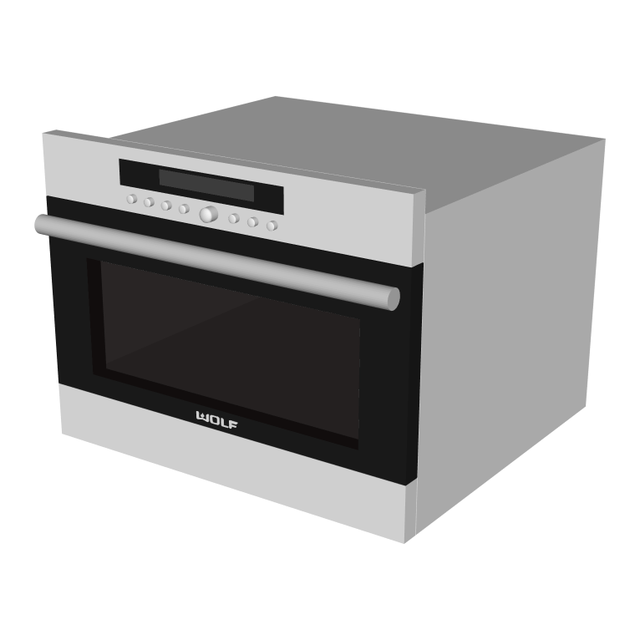
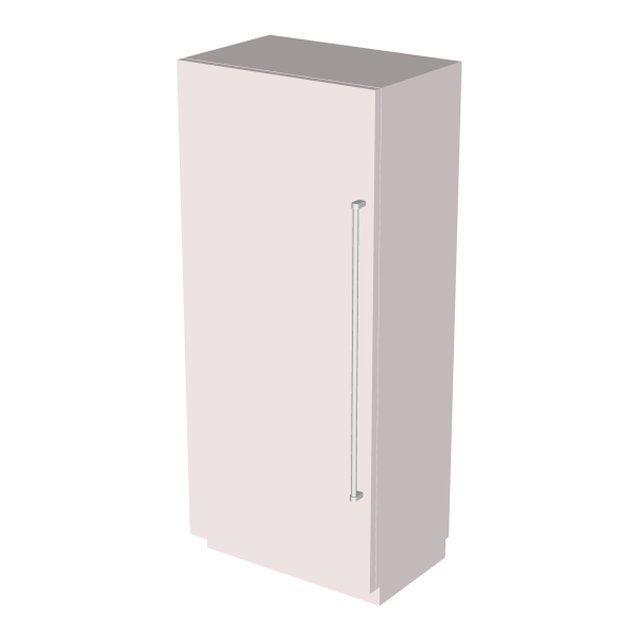
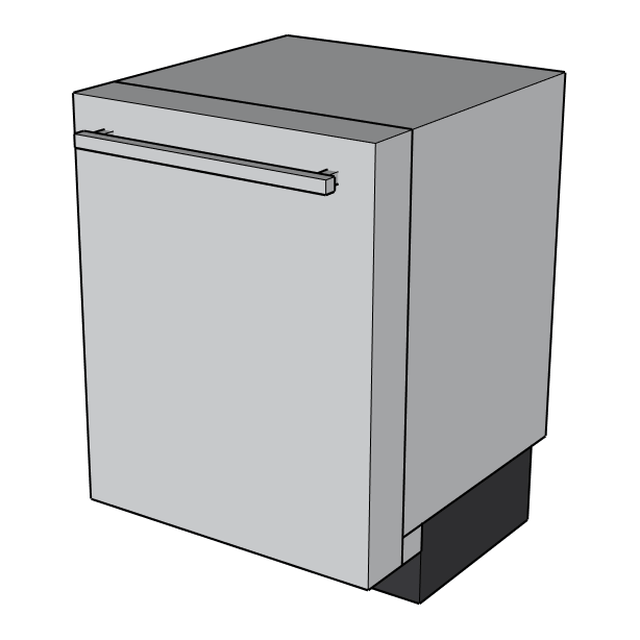
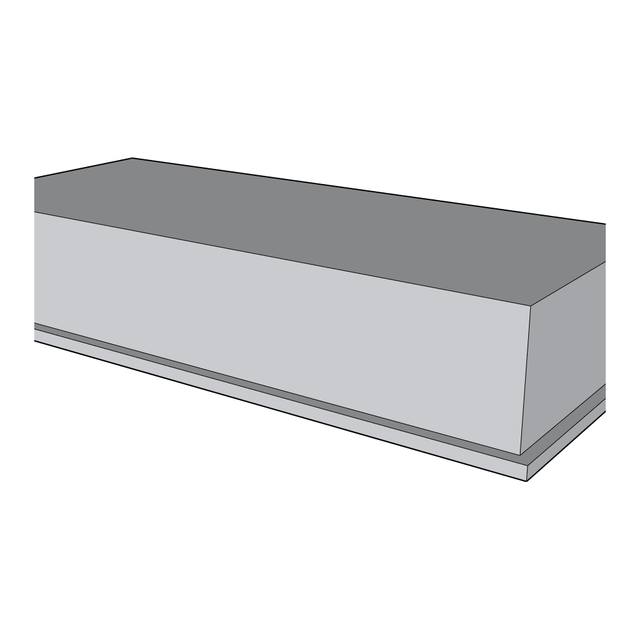
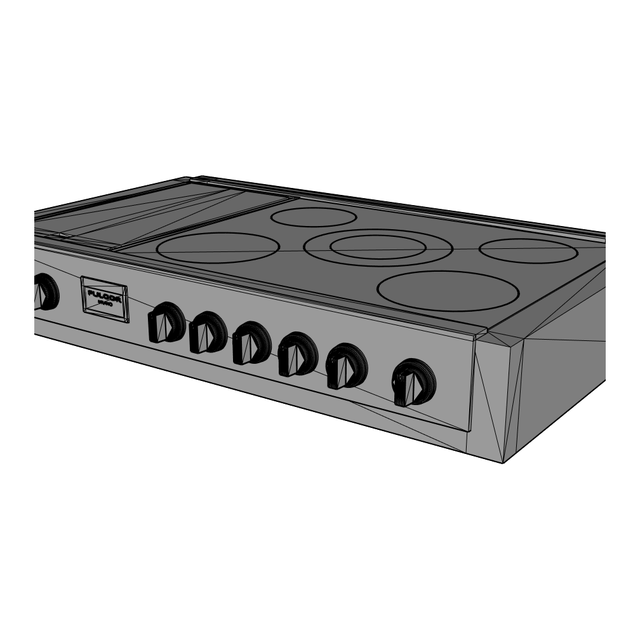
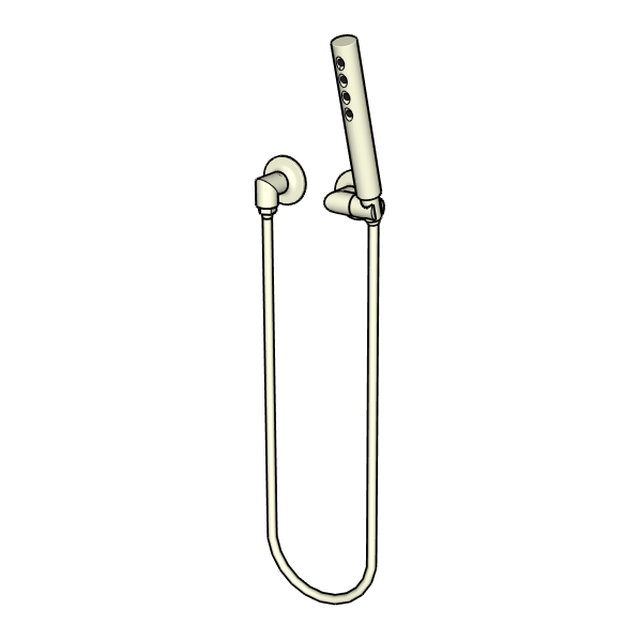
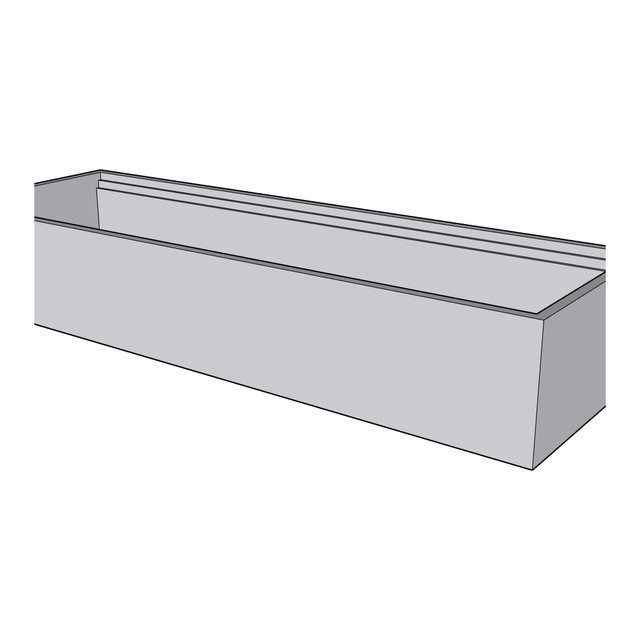
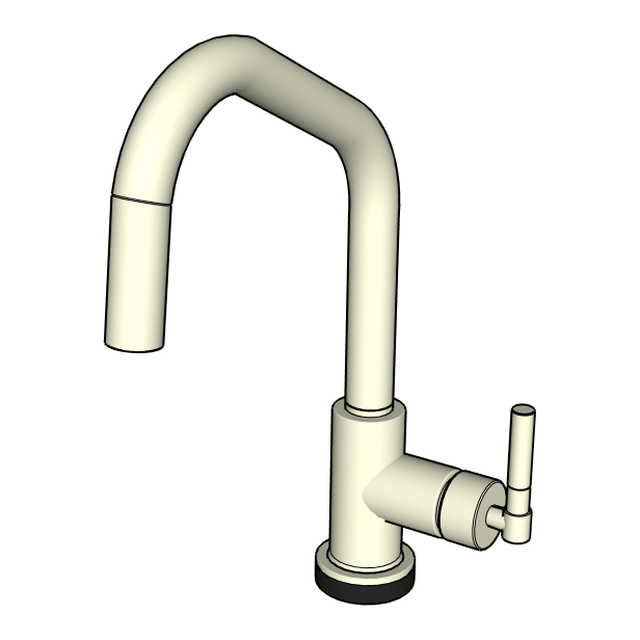
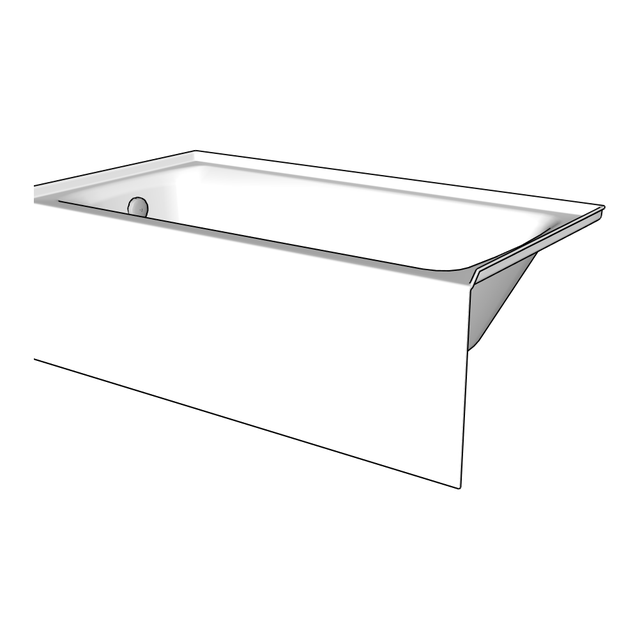
Rendered from the library's own models — ten of the thirty-six.
Spec-sheet W × H × D locked in every file — a 30" wall oven stays a 30" wall oven.
Ovens, refrigeration, dishwashers, hoods, cooktops + rangetops, outdoor cooking, sinks, faucets, showers, tubs.
Wolf, Sub-Zero, GE Monogram, Samsung, Kohler, Brizo, Ruvati, Lynx, Fulgor, Best, Pfister, AmeriSink.
Manufacturer-published models remain theirs; provenance is tracked in the repo.
02 / GET IT
Download, copy one folder, restart Mozaik.
Two ways in. The release download holds one folder — PM Fixtures and Appliances: copy it into your Mozaik Product Libraries folder and restart Mozaik; the whole library appears with its category tree. The install guide covers it click by click, including how to add single products to a library you already have.
Or explore the repo and take only what you need: every product is a browsable .moz + .skp pair in the Products folder, the manifest lists them all with dimensions and sources, and pull requests are open if you want to contribute a model back.
I want to install a free appliance library into Mozaik cabinet software. It's on GitHub here: https://github.com/fshilmover/Peppermodern-Mozaik-Appliance-Library — I've never used GitHub. Walk me through downloading it and copying the library folder into my Mozaik Product Libraries folder, one step at a time, and wait for me to confirm each step.
I use an open-source GitHub repository: https://github.com/fshilmover/Peppermodern-Mozaik-Appliance-Library — I've never used GitHub beyond downloading. Teach me, one step at a time: first how to explore the repo and download individual files, then how to fork it, create a branch, add or change files, and open a pull request to contribute back. Wait for me to confirm each step before the next.
03 / WHY IT'S FREE
Paying it forward.
I'm sharing this to pay it forward. The tradeoff between collaboration and competition in this trade favors collaboration. I can only speak for my own market, but demand isn't the bottleneck — labor is, and building a great team. Competing hard over customers makes sense when work is scarce, and that isn't what I see. Every shop modeling the same refrigerator on its own time is waste. I'd rather share mine and see what comes back.
04 / HOW THEY'RE MADE
Spec sheet first.
Each model starts from the manufacturer's printed spec sheet. We use Claude to write a SketchUp build script to those dimensions, check the result against the drawing, and place it in Mozaik to verify it renders correctly before it ships. Where a manufacturer publishes their own 3D model, we use it unmodified. One rule throughout: cabinet cutout dimensions come from the spec sheet, never from measuring the model.
05 / REQUEST A MODEL
Tell us the make and model.
Requests go to the shop inbox; finished models land in the library for everyone.
06 / CONTRIBUTE
Send one back.
If you've modeled something the library is missing, open a pull request on GitHub, or email the files to info@peppermodern.com and we'll add them with credit. The format is simple — a .moz and .skp pair with dimensions from the spec sheet. New to pull requests? The second prompt under Get it teaches the whole flow.
07 / WHAT'S NEXT
Self-service, eventually.
We're working toward a version where you enter a make and model and get a Mozaik-ready file back without waiting on us. If it can run free under our existing Claude subscription, it will be free; if not, we'll pass through the compute cost and nothing more. This is not a revenue project. More resources will show up on this page as they're ready.